Affiliates
Set up revenue share
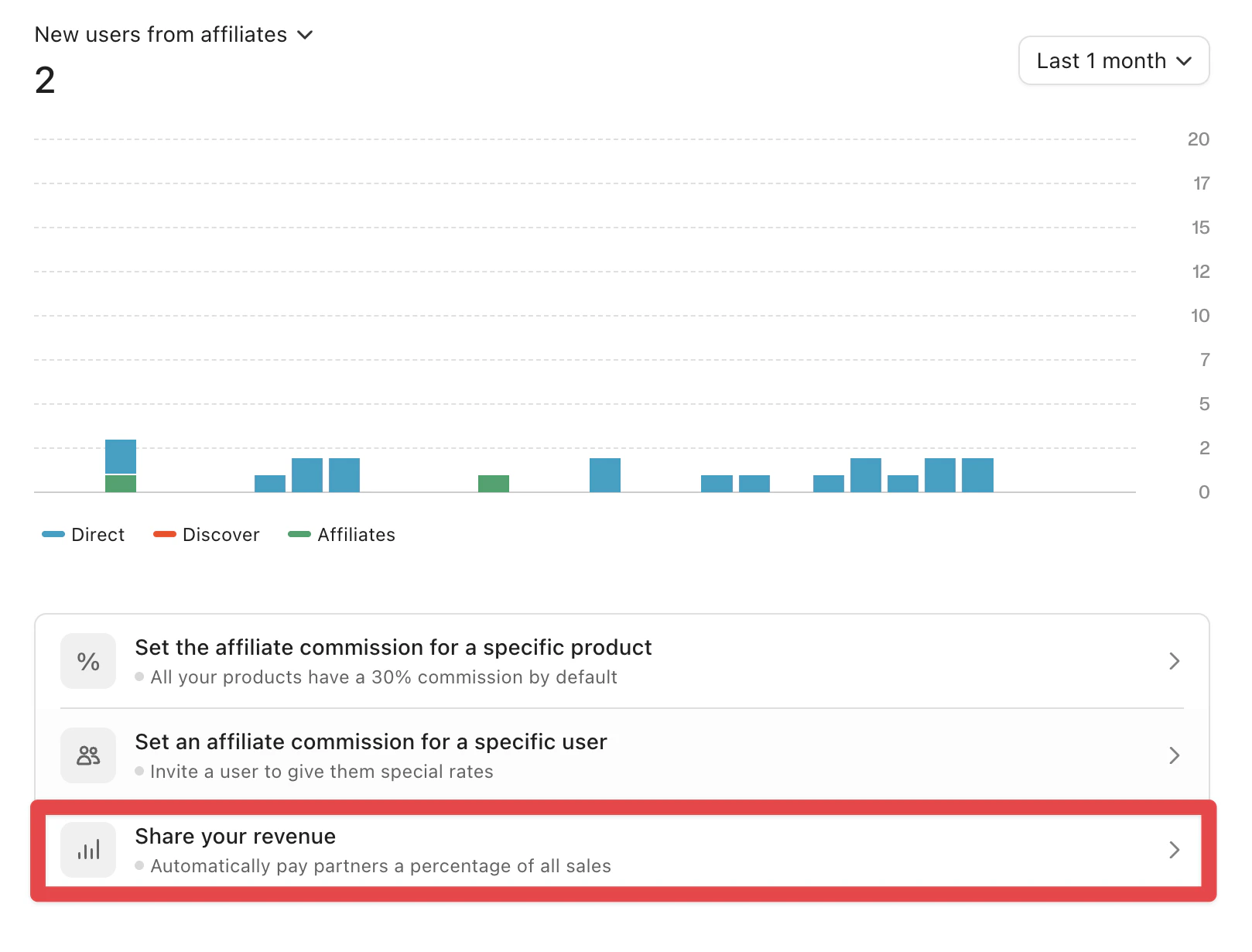
Share revenue directly with partners per transaction using automatic Whop Payments payouts
Use revenue share affiliates for strategic partnerships that split revenue at the transaction level instead of using traditional referral links.
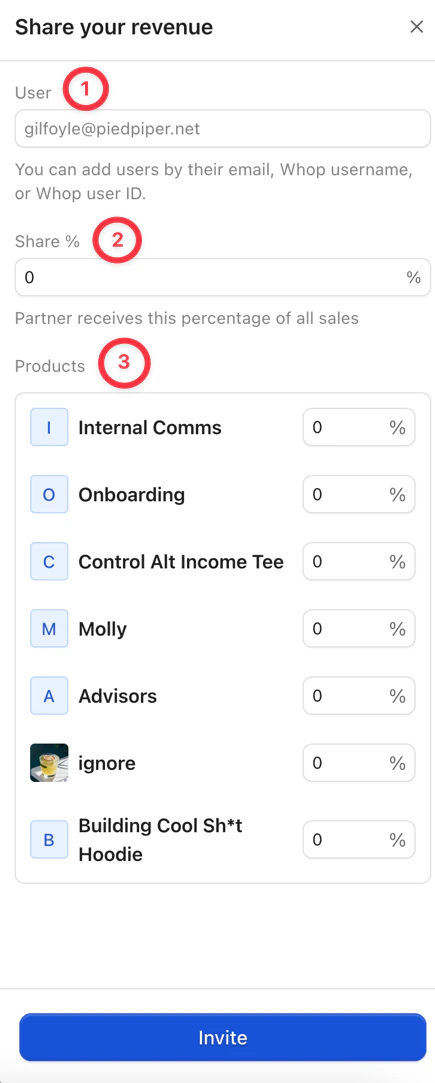
With revenue share, you can define who receives a portion of revenue for each product. Whop calculates the split after applying all Whop fees, which provides clear and accurate revenue sharing. When a transaction completes, Whop Payments deposits the partner’s portion into their Whop balance without manual processing.